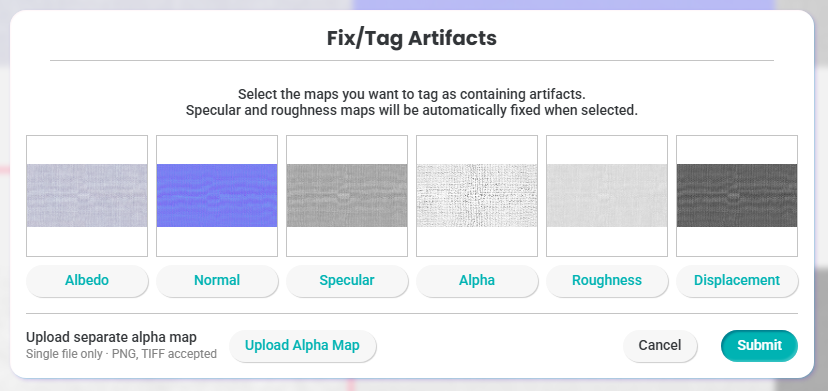
Generate Holes Using a Custom Alpha Map

Upload a custom alpha map in Textura to create precise holes in your material, giving you more control over cutouts, transparency, and surface detail.
Custom Alpha Map Upload
We’ve improved the Alpha Map editing process to make refining fabric holes faster, easier, and more flexible.
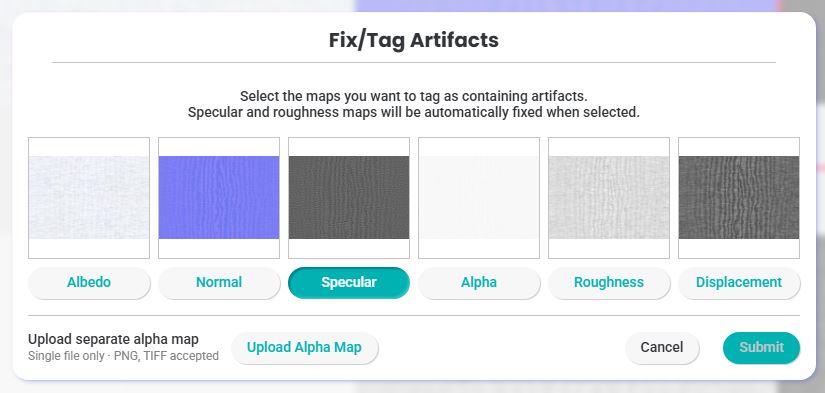
You can now upload and replace an individual Alpha/Transparency Map directly in Textura from the Maps section using Edit/Tag Artifacts. This gives you greater control over hole detection and transparency without needing to download, edit, and re-upload the entire material.
In an Alpha map, white represents opaque areas, while black represents transparent areas or holes.
This feature is available through Edit/Tag Artifacts once the maps have been generated as part of the Enterprise plan workflow.
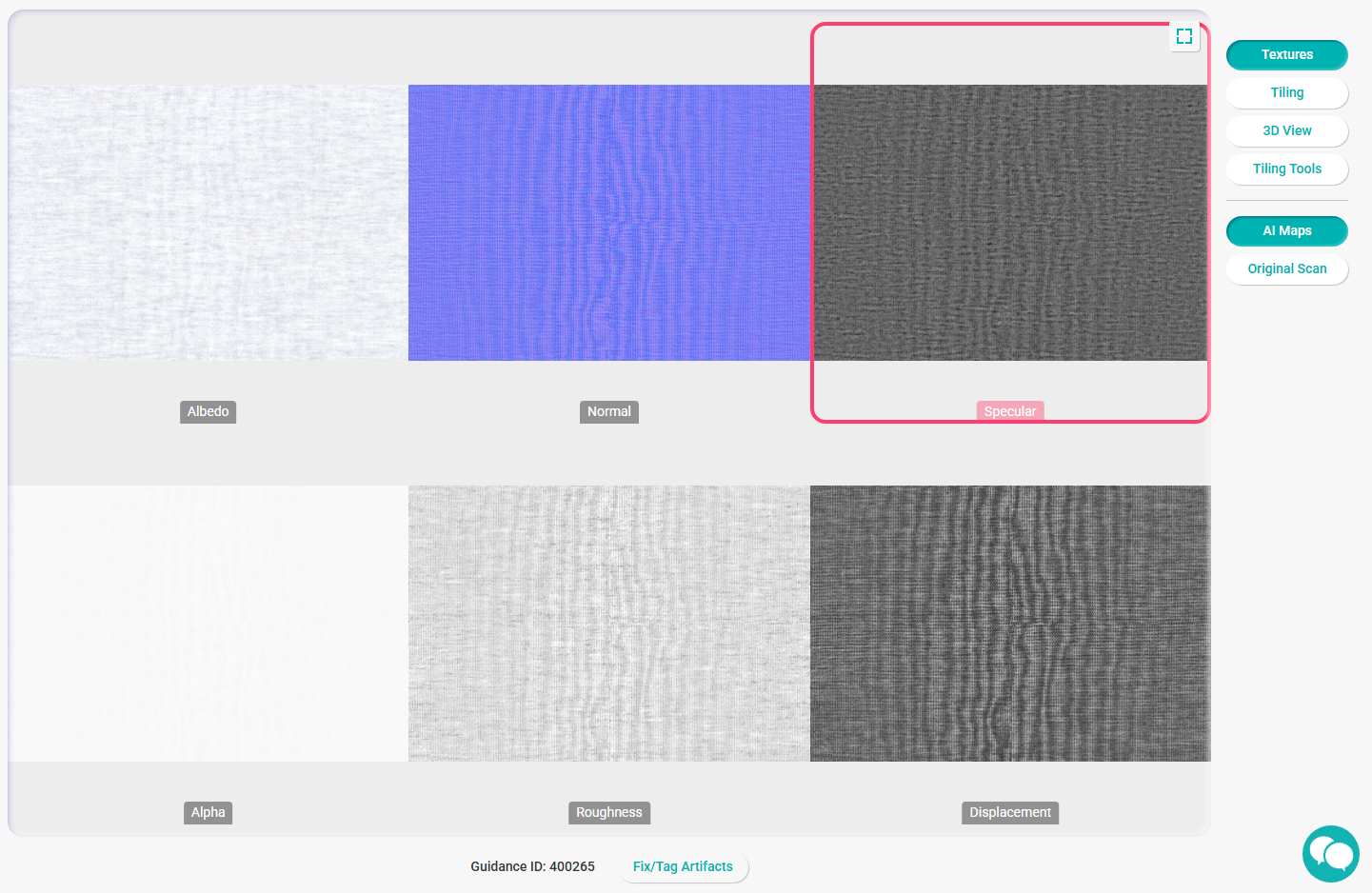
Please note that the uploaded map must match the dimensions of the generated texture map stack. If the sizes do not match, a size warning notification will appear.
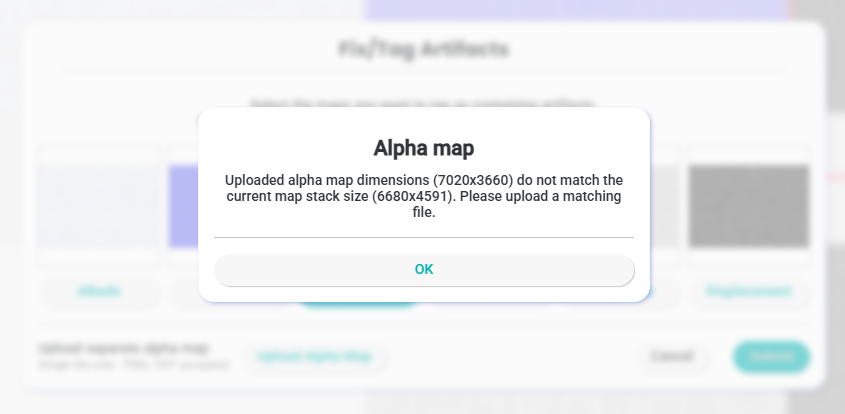
You can download the current texture map stack directly from the left sidebar.
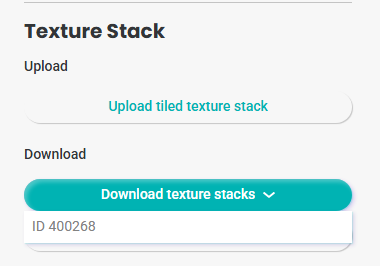
Select the map you want to update, edit it in your preferred graphic design software, and re-upload it using the new Upload Alpha Map interface.
After uploading the updated map, click Submit to generate the new version.
If you’re not satisfied with the result, you can easily revert the change by unchecking the Alpha Map once processing is complete.
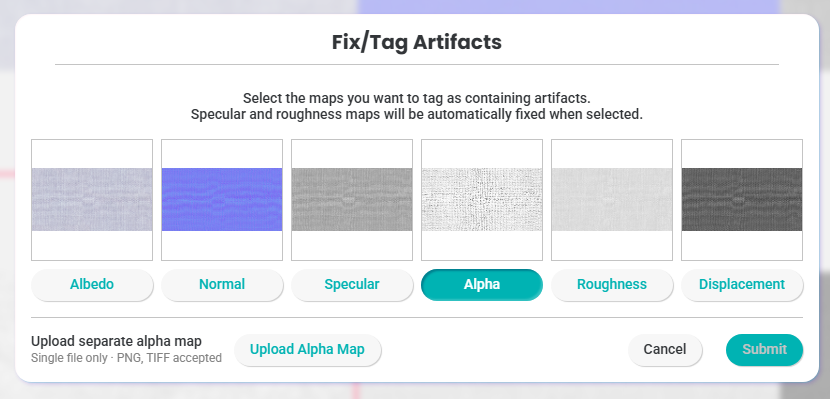
Once you submit the changes, the previous Alpha Map will be restored to its original position.